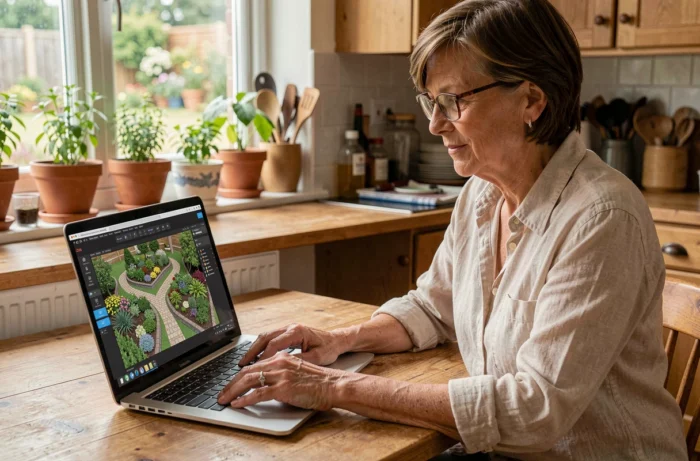
We’ve all experienced that moment: staring at a patch of vacant land or a soulless terrace, ideas swirling in our heads, but unable to visualize the outcome before digging or planting. This is exactly the problem that free garden design software solves. Instead of sketching freehand on a piece of paper, you can test configurations, move flower beds, and check proportions with just a few clicks.
Photo of the land before 3D plan: the method that changes everything
Most comparisons focus on top-down plan editors. We often overlook a common usage: starting from a real photo of your garden to generate proposals. Tools like Neighborbrite or DreamzAR allow you to upload a snapshot taken from your terrace, then apply visual modifications (hedges, paving, flower beds) directly onto the image.
The benefit is tangible. You’re not manipulating an abstract plan; you see the result in your own space. Feedback varies on the accuracy of the result depending on the quality of the original photo, but for roughing out a project or showing an intention to a landscaper, it’s a real time-saver.
At the same time, choosing a free garden design software focused on classic planning remains relevant when you need precise measurements, a PDF export, or a technical plan for a craftsman.
Kozikaza and SketchUp: two very different design logics
They appear in all comparisons, but rarely are they contrasted on what really matters in daily use: the learning curve versus the expected level of detail.
Kozikaza for a quick and shareable plan
Kozikaza works online, with no installation required. You trace the outlines of your land, place elements (terrace, pool, plants), and switch to 3D view. The rendering is clean without being photorealistic. For an individual wanting to validate a layout or send a visual to a craftsman, it’s sufficient.
Its real advantage is speed. In less than an hour, even without experience, you can obtain a usable plan. The library of plants and materials is limited compared to professional software, but it covers common needs.
SketchUp when the project requires precision
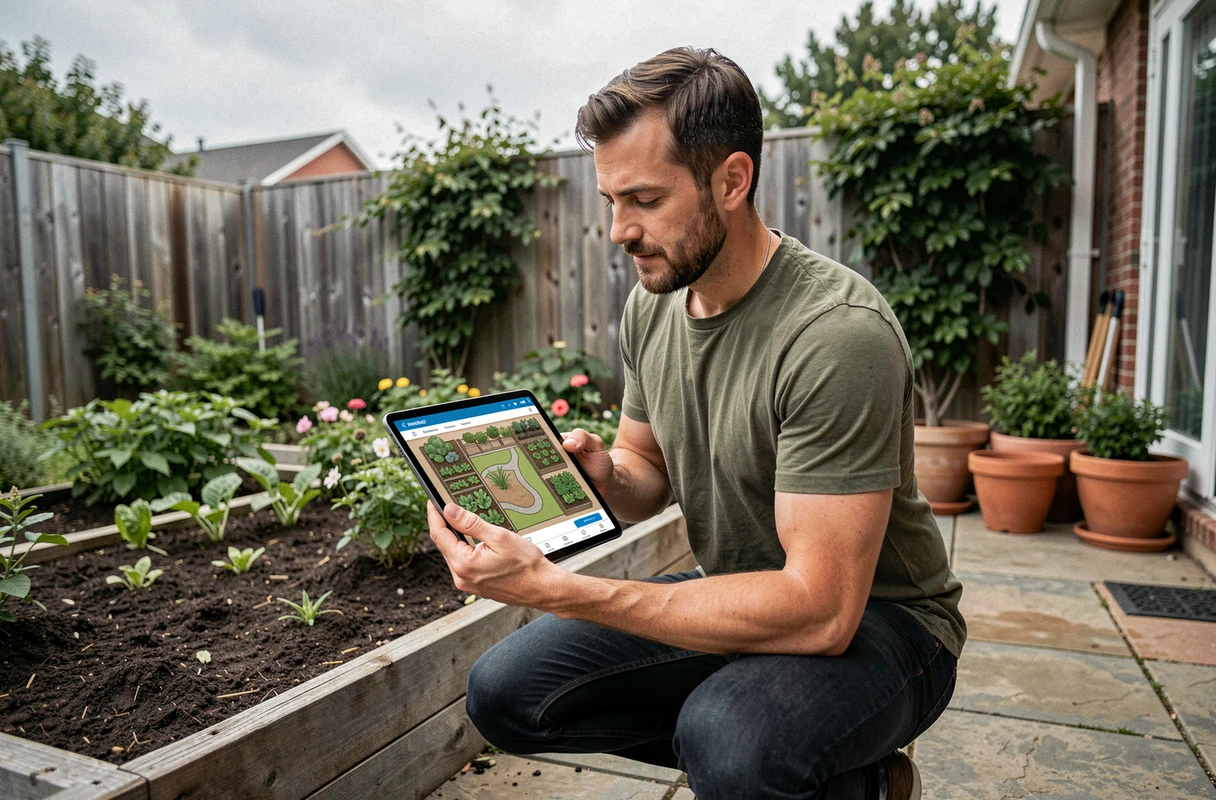
SketchUp Free (browser version) operates in a different category. The tool is not garden-specific: it’s a general 3D modeler. You can model a stone wall with its exact dimensions, create a custom garden staircase, or integrate a shelter with its roof slope.
The trade-off is the learning time. Expect several sessions before mastering the drawing tools, groups, and components. For a complex outdoor design project (sloped land, multiple levels, integration of existing elements), the time investment is justified.
Choosing garden software based on your actual land needs
The classic trap is downloading the most comprehensive software when you need a simple tool. Here’s how to segment the choice based on the actual situation:
- Visualizing an idea in a few minutes: a photo tool (Neighborbrite, DreamzAR) is sufficient. Upload your photo, test atmospheres, share the result
- Producing a scaled plan for a landscaper or mason: Kozikaza or a 2D/3D planner with export allows you to provide a readable document with dimensions
- Designing a detailed layout with custom furniture, fences, lighting: SketchUp Free or an equivalent tool offers the necessary flexibility to model each element
- Planning plantings according to the local climate: tools like DessinerJardin or DrawMeAGarden incorporate plant databases that take into account exposure and soil type
You save time by first identifying what you expect from the software rather than testing everything blindly.
Collaborative garden design: sharing the plan with a pro
An often-overlooked aspect when comparing free software is the ease of exporting and sharing the project. In real situations, the plan you draw at home needs to pass through the hands of a landscaper, earthmover, or pool installer.
Kozikaza offers an online sharing link. SketchUp allows export in various 3D formats. Photo-based tools generate annotatable images. The criterion to check before investing in software is compatibility with the workflow of the person who will execute the work.
A beautiful 3D plan that only exports as a low-resolution screenshot loses all utility as soon as it’s transmitted. Conversely, a simple but scaled plan that can be exported as a PDF will be utilized immediately by a craftsman.
Augmented reality and outdoor design software: gadget or real plus?
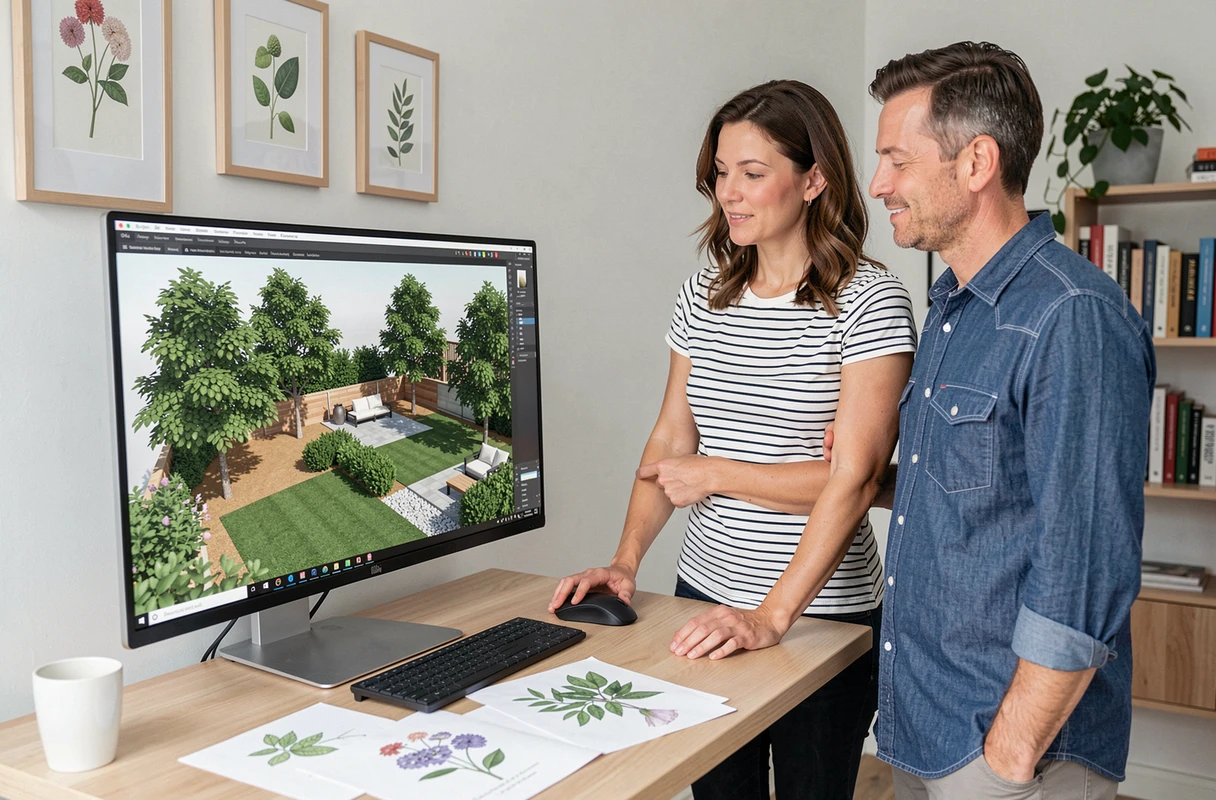
Some mobile applications like Home Design 3D Outdoor or DreamzAR offer augmented reality to visualize elements (plants, furniture, pergola) directly in space via the phone’s camera. On paper, it’s appealing.
In practice, the functionality depends heavily on conditions: lighting, terrain surface, sensor stability. For a small, well-defined space (terrace, balcony, vegetable patch), augmented reality provides a useful preview of volumes and proportions. On a large, irregular plot, the result remains approximate.
The most productive usage we’ve observed is to combine the two approaches: first a 2D/3D plan to set dimensions and layout, then an AR check on-site to validate heights and visual clutter.
Choosing the right tool isn’t about the longest list of features. A free garden software that matches your project stage (ideation, planning, execution) will yield better results than comprehensive software that is underutilized. Start by testing with a photo of your current land: if the result resonates with you, you’ve found your starting point.